Solar FAQs
Battery kW or kWh: Which Number Tells Me What It Can Run?
You need both numbers. Power determines the simultaneous load; usable energy helps estimate how long that load can continue.
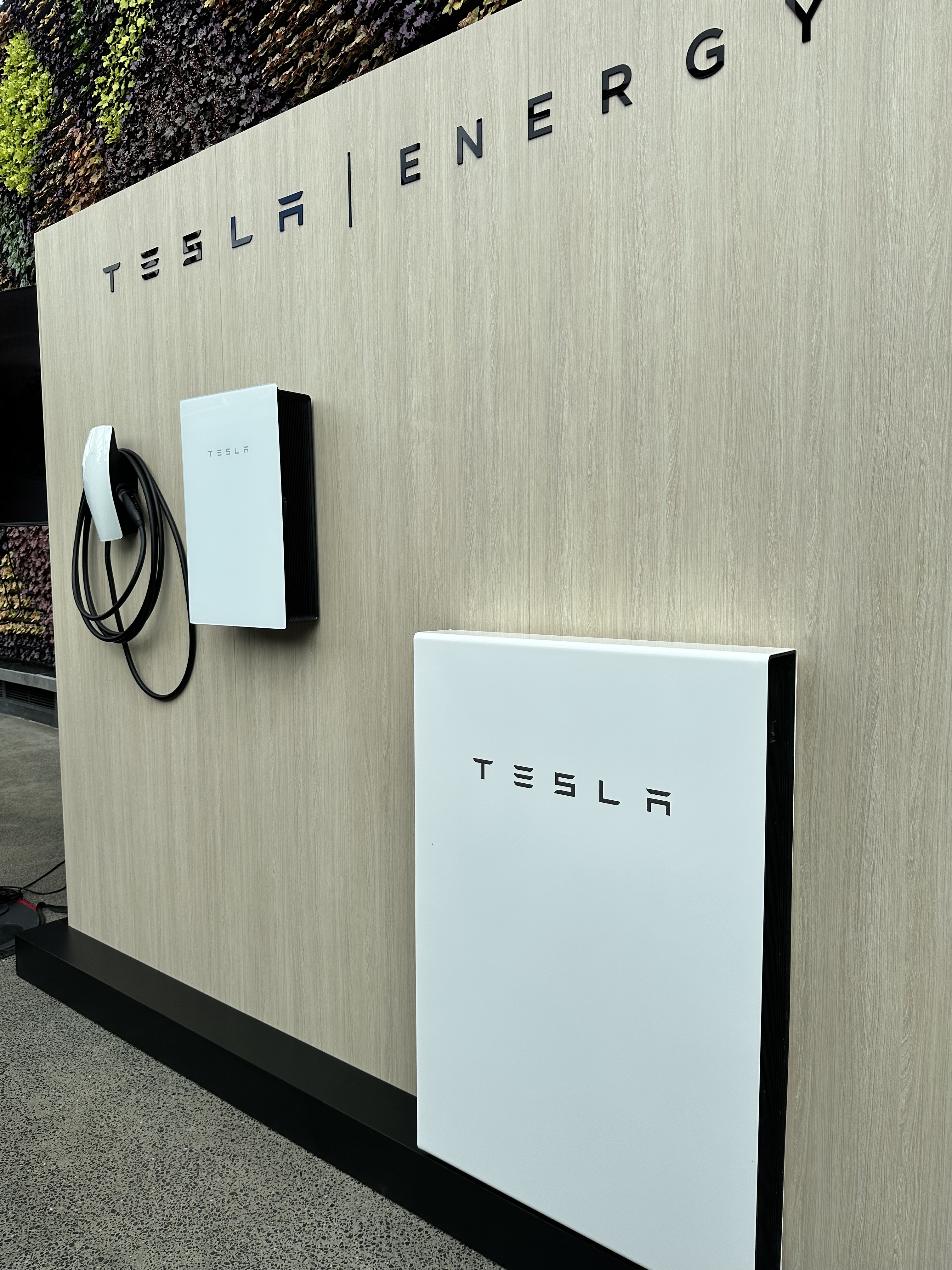
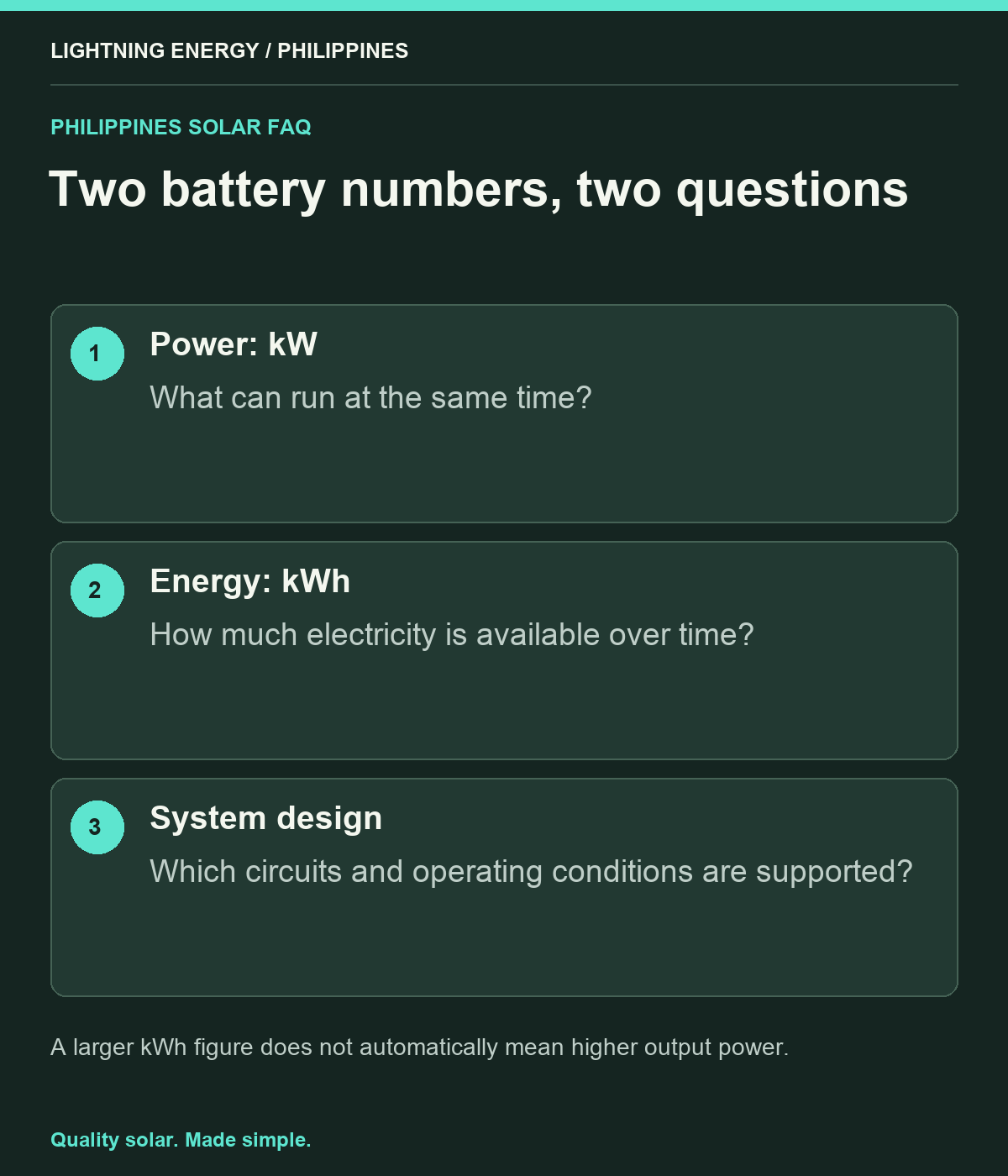
You need both. Kilowatts describe how much power the battery system can deliver at a time; kilowatt-hours describe an amount of stored energy. A large energy capacity does not automatically support a large motor or several appliances at once. Ask for the power and usable-energy limits of the complete battery-and-inverter combination.
Start with the appliances, not the battery label
List each appliance you want during an outage and whether it may run at the same time as others. Separate essential loads from conveniences. Use actual appliance information and measurements where appropriate rather than copying a generic internet wattage table.
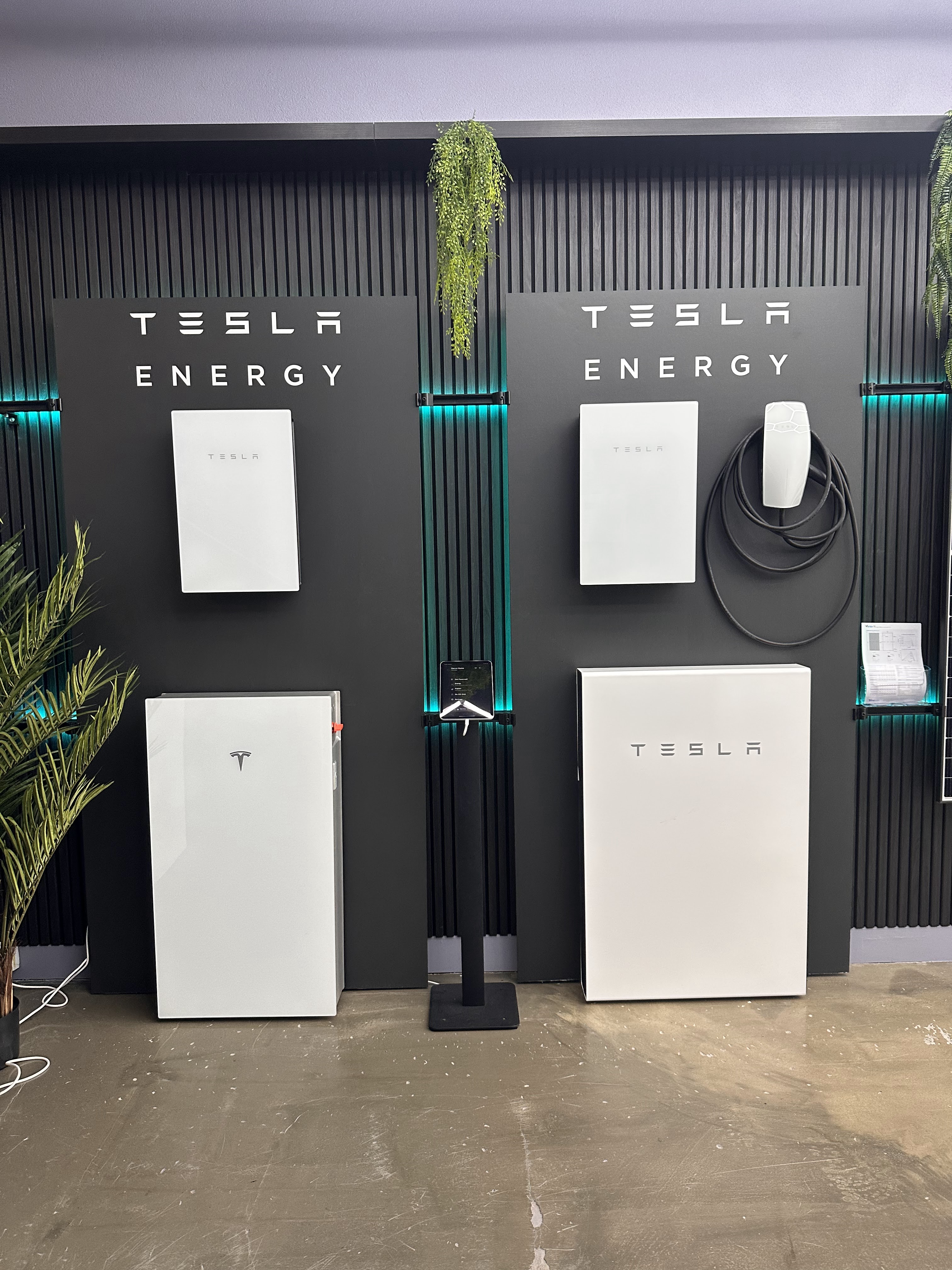
Tesla’s backup guidance distinguishes whole-home and selected-load arrangements and ties capability to the installed system and household demand. [1] Treat it as an example of the design question, not a claim that every battery can power every Philippine home. The circuits included in your own design must be identified explicitly.
Use kW to check simultaneous demand
Imagine a purely illustrative set of loads drawing 1.2 kW, 0.8 kW and 0.3 kW at the same time. Their combined running demand is 2.3 kW. The system must support that demand under its applicable operating conditions, plus any relevant starting requirements.
Do not compare the sum only with a short-duration peak rating. Ask for continuous output, permitted overload duration and restrictions at different temperatures or battery states. The inverter, battery modules and configuration can all affect the final limit. A salesperson should be able to point to the specifications behind the proposed capability.
Use kWh to begin a duration estimate
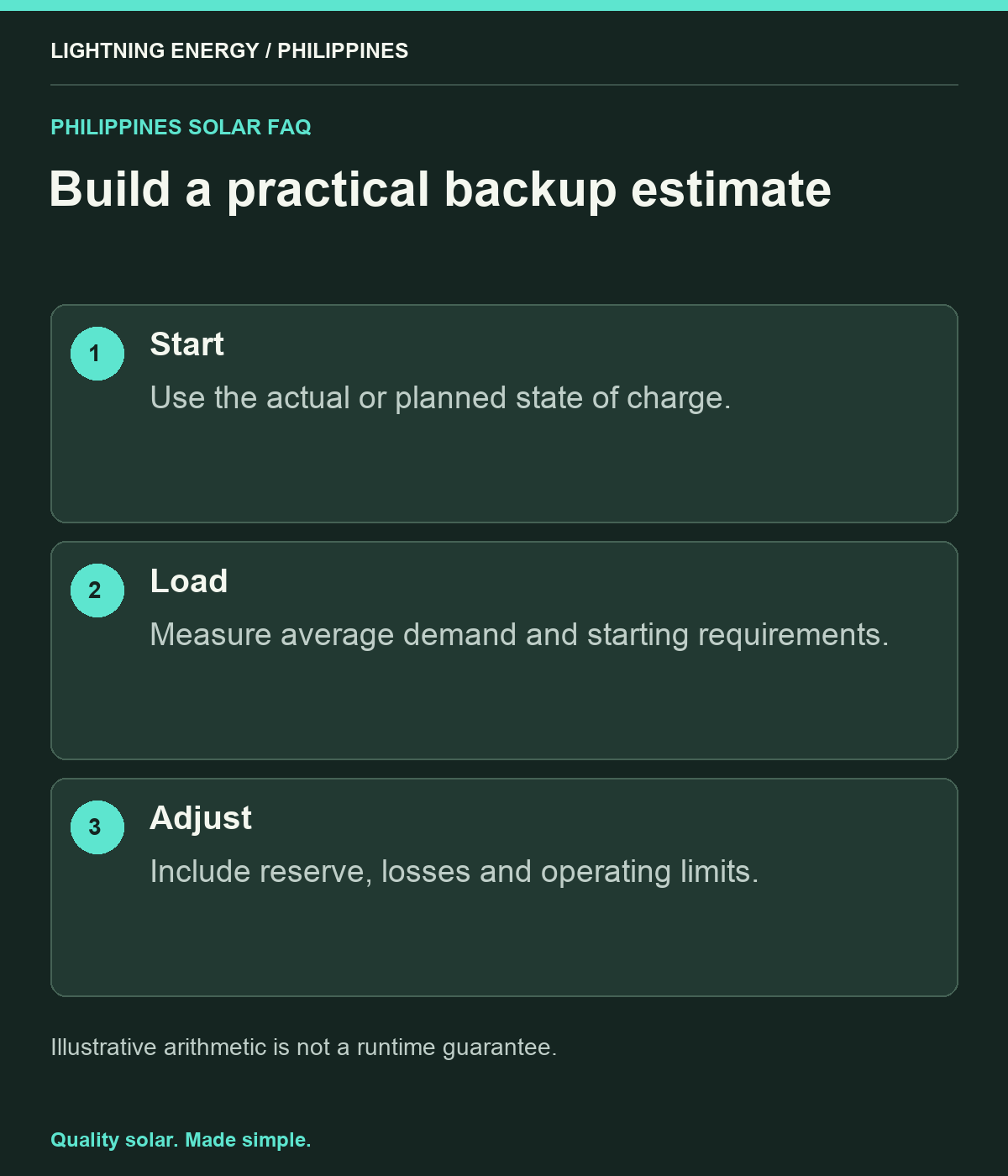
If an illustrative system could deliver 6 kWh to the selected loads and they averaged 0.5 kW, simple division gives twelve hours. That is teaching arithmetic, not a guaranteed backup duration. Real estimates need the available charge, losses, reserve, changing loads and system limits.
Keep the average load separate from its highest instantaneous demand. A refrigerator may need a starting-power check while its energy use over several hours is a different measurement. Ask the installer to explain both parts, especially if the household expects a pump, aircon or cooking appliance to operate during a brownout.
Read the complete battery specification
BYD’s HVM datasheet lists usable energy separately from electrical operating parameters and compatible-inverter requirements. [2] This illustrates why one headline capacity cannot describe the whole system. Use the exact model and configuration proposed for your home.
Ask whether adding modules changes energy, power or both, and whether a different inverter would be needed. Do not assume that doubling storage automatically doubles backup output. Request a concise schedule of the final system’s usable energy, continuous power, supported circuits and operating limits, with the manufacturer documents attached.
Plan for a partly charged start
An outage can begin before the battery is full. Ask for backup estimates at a realistic starting state as well as a fully charged case. Include the reserve setting and the possibility of poor solar recharge during extended rainy weather.
For a family discussion, create an essential-only mode and a comfort mode. The former might prioritise lights and communications; the latter may include additional cooling if the design supports it. Keep these as documented operating plans, not improvised decisions made while several people are switching appliances on after the grid fails.
Request a two-number explanation at handover
Ask the installer to demonstrate the selected loads safely and explain the difference between overload and low stored energy. Record the approved response to each, including who to contact. Never bypass protection to keep an oversized load running.
Lightning Energy Philippines can turn your appliance list into a battery discussion that uses both kW and kWh. Bring the loads and desired duration, then ask which constraint drives the recommendation. Understanding those two numbers makes package comparisons clearer and helps avoid buying plenty of stored energy in a system that cannot deliver the power you actually need.
Sources & further reading
Sources used for this guide. Policy and product details should be checked for your particular installation.
- Tesla — What Can Powerwall Back UpAccessed 27 September 2026
- BYD — Battery-Box Premium HVM Datasheet V1.4Accessed 27 September 2026