Solar FAQs
Why Does My Solar App Show Negative or Impossible Home Consumption?
Check sign conventions and metering configuration before trusting unusual graphs or making savings decisions from them.
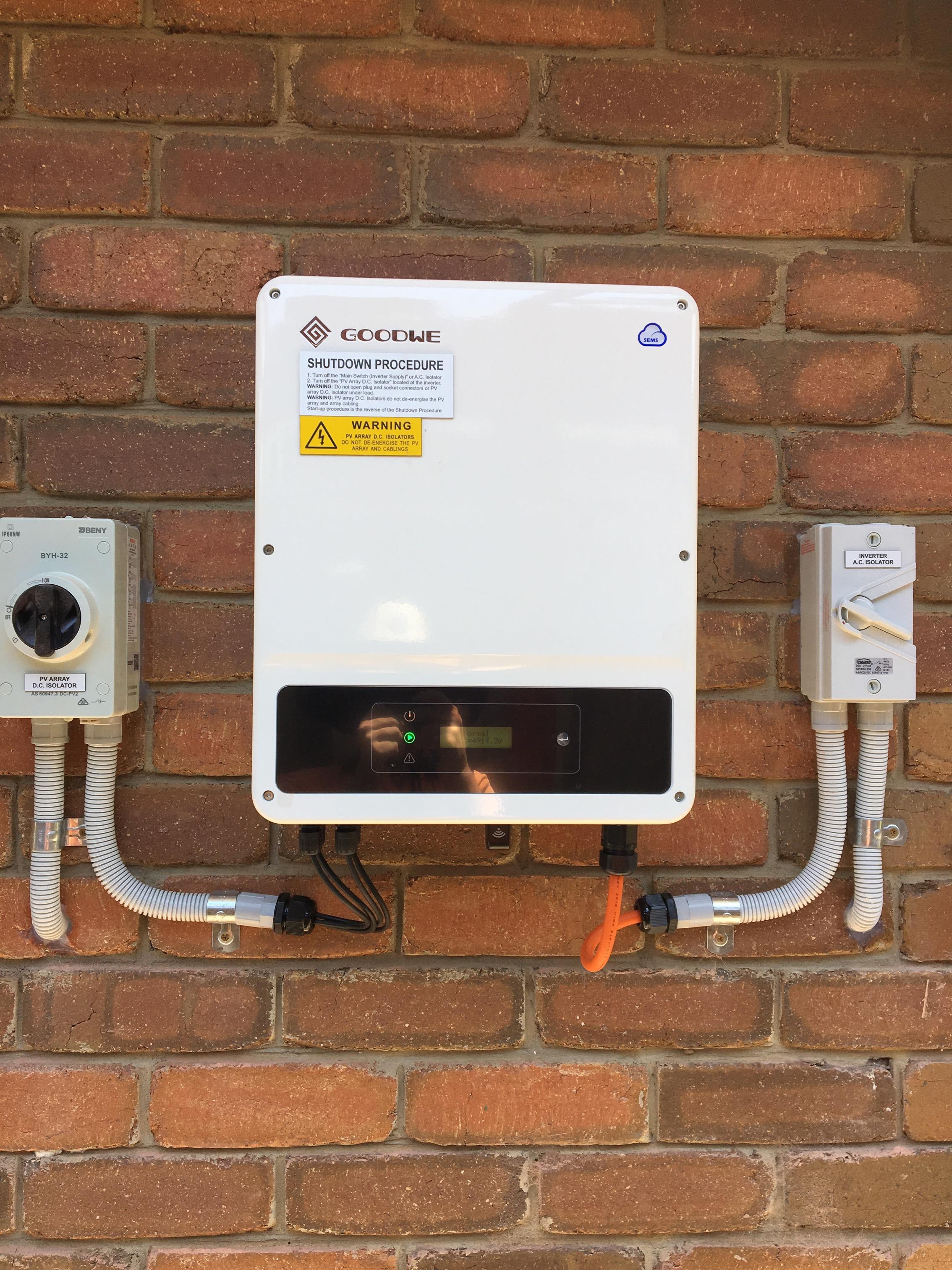
First confirm what the sign means. A negative grid-flow value may simply represent export, while a negative value labelled household consumption can indicate a metering or configuration problem. The screen label and system design matter. Collect evidence and ask the installer to investigate; do not open the switchboard or reverse sensors yourself.
Read the app legend carefully
Identify whether the number is power now, energy over a period, grid exchange or household use. Some interfaces use arrows or positive and negative signs for direction. Ask the installer to explain the convention in your app and save a screenshot of the explanation.
Do not compare a live kW number with yesterday’s kWh total. Likewise, do not assume every green number is savings or every negative number is a fault. Establishing the quantity, unit, direction and time period often resolves confusion before any technical investigation is needed.
Check what monitoring hardware exists
FIMER explains that household consumption and grid-exchange visibility require appropriate additional metering rather than production reporting alone. [1] Ask which sensors or meter are installed in your system and which circuits they cover.
A second distribution board, later-added circuit or battery retrofit may change the measurement arrangement. Give the installer an accurate history of modifications. If the app estimates a value from other measurements, ask how that calculation works at a high level. A polished dashboard is only as useful as the measurements and configuration behind it.
Understand why sensor configuration matters
Enphase’s professional CT guidance notes that incorrect polarity can produce negative readings. [2] This is one possible cause in relevant systems, not a remote diagnosis of your installation. Other configuration, coverage or data issues may need checking.
Ask qualified personnel to review the metering layout and applicable manufacturer procedure. Do not follow online instructions to swap wires, rotate clamps or change installer settings. Some sensors also support export control or battery operation, so making a graph look plausible without proper commissioning could create a more serious operating problem.
Collect a short, useful evidence set
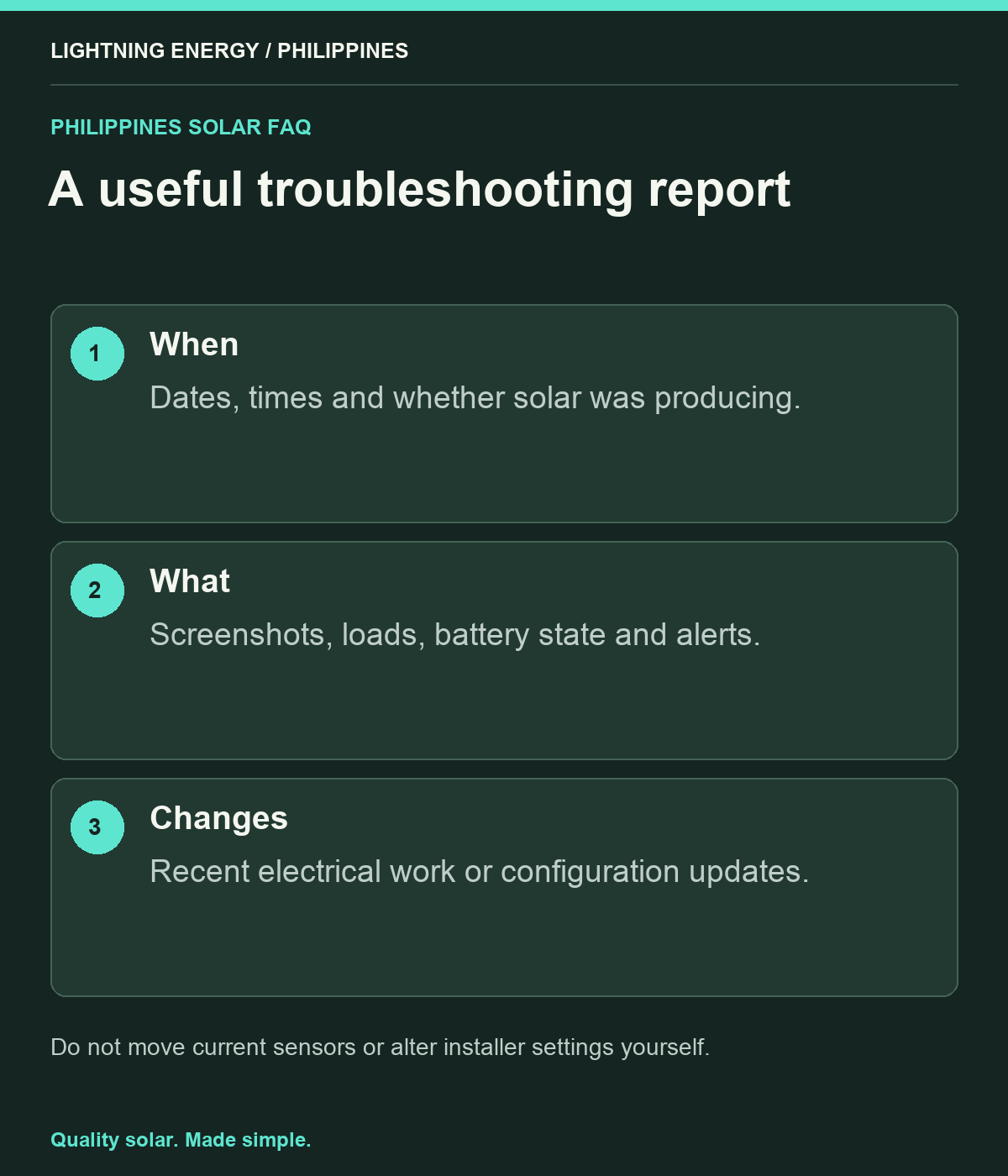
Record the date and time, app screen, actual appliances in use, battery status and any alerts. Note whether the strange value appears only during solar production, only after dark or continuously. Include the date of any recent electrical work or firmware change if known.
For an illustrative observation, a household might see consumption rise and fall in a perfect mirror of generation despite no similar appliance pattern. That is a reason to investigate, not proof of a particular wiring error. Give the installer the observation without insisting on a diagnosis based on a forum post.
Request a documented verification
Ask the provider to compare appropriate reference measurements and system readings under a controlled, safe procedure. The report should identify the cause, correction and period used to verify the result. If historical data cannot be repaired, have that limitation recorded.
Avoid basing battery sizing or financial claims on suspect consumption data. Use reliable bills and measured load information while the issue is resolved. If export-control behaviour is in question, ask the installer whether operation needs to be restricted under the approved procedure until the system is confirmed safe and correctly configured.
Preserve the corrected baseline
After the fix, save a representative set of normal graphs and the updated configuration record. Check the next bill against matching import and export data, allowing for the correct reading dates. Keep the service reference with the original handover pack.
Lightning Energy Philippines can help establish what your monitoring should measure and how to report an unusual result. Bring the exact screen labels and a few dated examples. The objective is trustworthy information for household decisions, with the electrical investigation handled by qualified people and a clear distinction between a display convention and an actual fault.
Sources & further reading
Sources used for this guide. Policy and product details should be checked for your particular installation.
- FIMER — What Is Consumption Monitoring?Accessed 27 September 2026
- Enphase — Guidelines for Current Transformer InstallationAccessed 27 September 2026