Solar FAQs
Why Does My Solar App Show More Energy Than My Electricity Bill?
Generation, household use and grid exports are different measurements. Here is how to reconcile your solar app with your Philippine electricity bill.
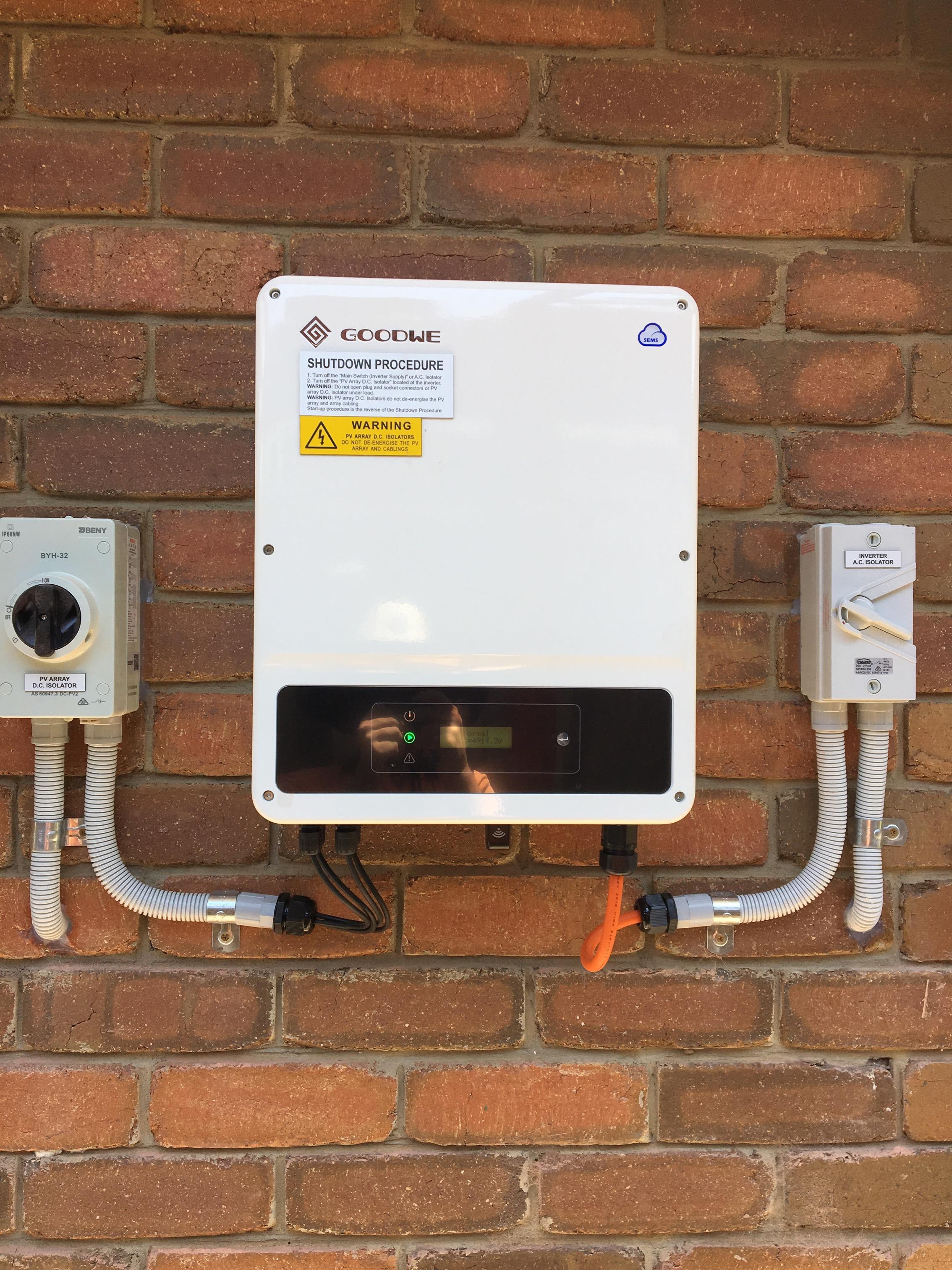
Usually, the app and bill are measuring different things. Your panels can generate electricity that your family uses immediately, while the utility meter records what crosses the boundary between your home and the grid. A larger generation number does not, by itself, mean your export credit is wrong. Start by matching the measurement and the dates before blaming either meter.
Name each number before comparing it
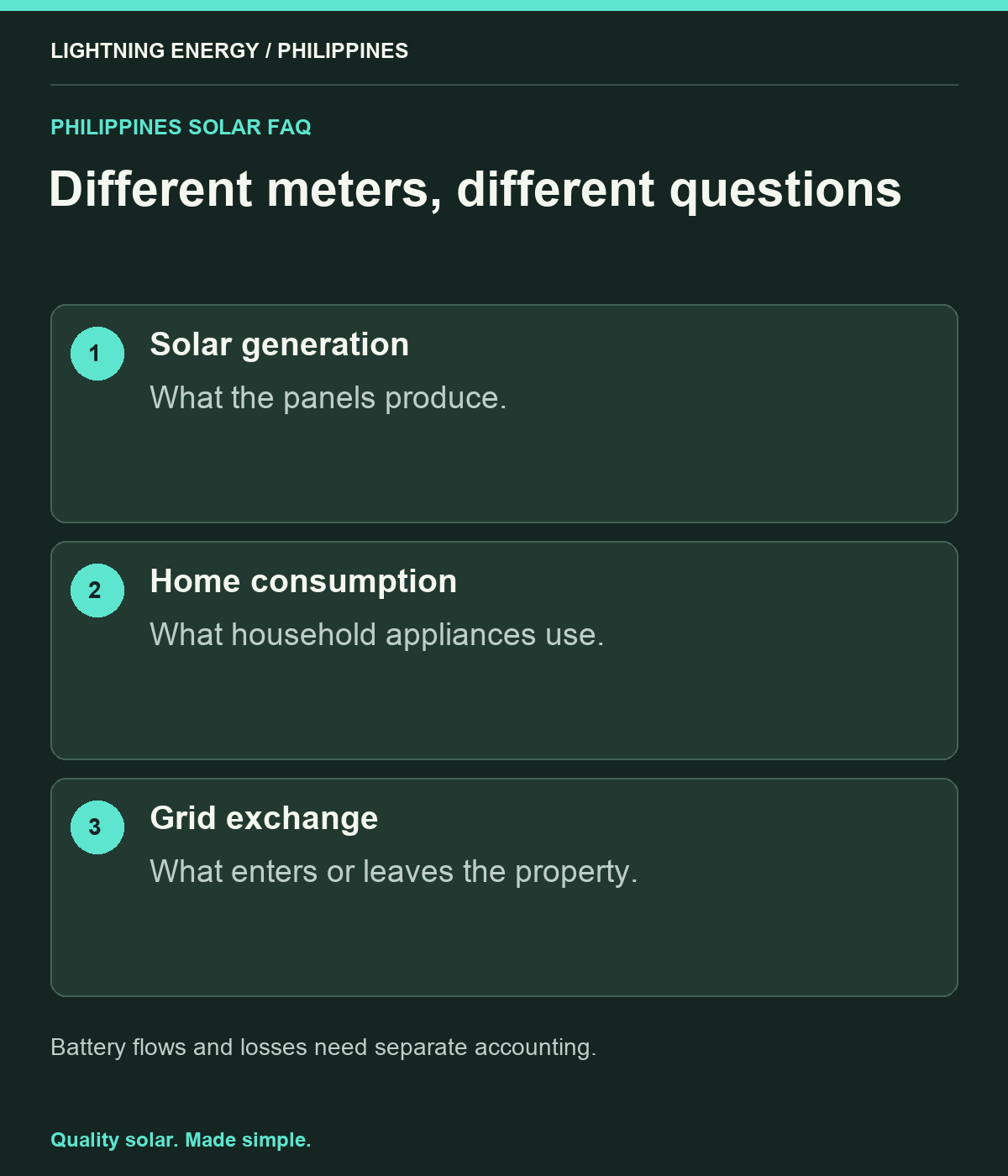
Make a small glossary for your own system: solar generation, household consumption, grid import, grid export, battery charge and battery discharge. The app may display only some of these. FIMER explains that production monitoring alone does not reveal household consumption or exports; compatible consumption metering adds that visibility. [1]
Ask your installer to identify which values are measured and which are calculated. A screen full of moving arrows looks authoritative, but missing consumption hardware cannot be repaired by choosing a nicer chart. Keep a screenshot of the screen legend with your handover documents.
Use one period with one time zone
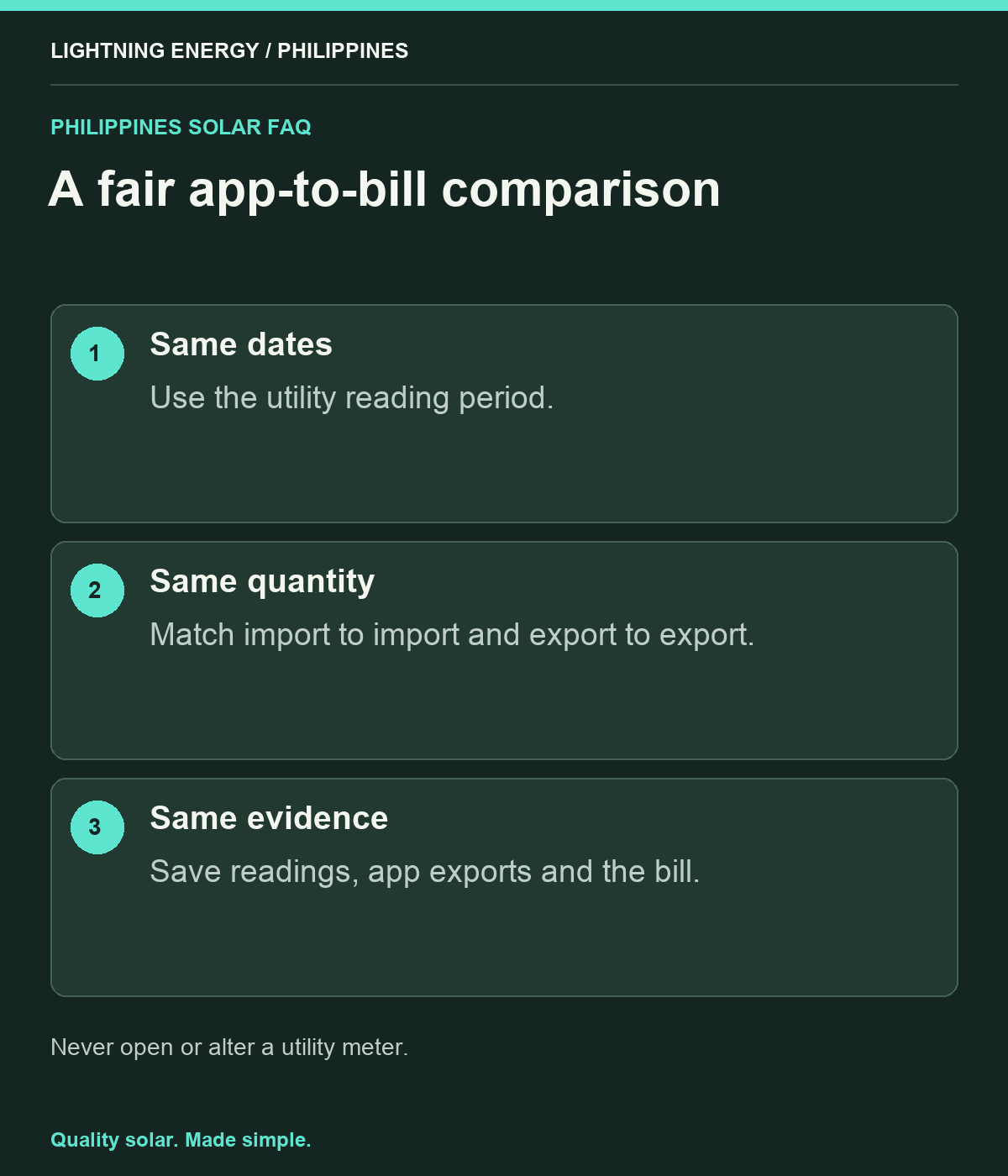
A utility billing period rarely follows a calendar month exactly. Export the app data from the first meter-reading date to the next, checking whether its timestamps are Philippine time. Do not compare a September app total against a bill covering late August to late September.
For an initial check, choose a complete day with no data gaps. Then repeat across the actual billing period. If your app has both daily and cumulative totals, record which one you used. A lifetime figure accidentally compared with a monthly figure can make a healthy system appear wildly inaccurate.
Try a simple energy balance
Consider a fictional battery-free day with 20 kWh of solar generation. If the household uses 12 kWh directly and sends 8 kWh out, the export total is 8 kWh, not 20. If it also buys 7 kWh after dark, total household use is 19 kWh. These numbers illustrate arithmetic, not expected Philippine system performance.
For a battery system, include energy going into and coming out of storage, plus losses and any change in stored energy. Ask the installer for the correct balance for your monitoring layout instead of forcing the battery-free equation onto a different design.
Compare exports with the export register
Meralco bases net-metering credit on recorded exported electricity, rather than all solar generation. [2] Find the import and export readings on your own utility documentation and identify their register labels before taking photographs. Never open a meter enclosure or disturb a utility seal to obtain a reading.
A useful worksheet has beginning reading, ending reading, their difference and the matching app total. Keep the peso calculation in a separate column. Differences in the applicable credit rate are a billing question; differences in recorded energy are a measurement question. Mixing them makes troubleshooting much slower.
Recognise a problem that needs investigation
Escalate persistent unexplained differences, impossible negative household consumption, missing days or a sudden change after electrical work. Give the installer dates, screenshots and the relevant bill. Ask them to check sensor coverage, orientation, configuration and time settings using qualified personnel.
Do not reverse sensors yourself or alter export controls to make the graphs look right. A correction should produce a documented explanation and a new comparison over a defined period. Retain the original data so everyone can distinguish a historical reporting correction from a change in how the system is operating today.
Build a repeatable monthly check
Save one folder per bill with the bill PDF, app export and any outage notes. Record household changes such as an additional aircon, visitors or a week away. This gives future comparisons context and prevents a normal change in use being mistaken for a fault.
Lightning Energy Philippines can help define the measurements that belong in your proposal and handover. Ask for a short demonstration using your actual system: where generation appears, where exports appear, and how to align the dates. Once these three items are clear, checking your solar becomes a manageable monthly habit.
Sources & further reading
Sources used for this guide. Policy and product details should be checked for your particular installation.
- FIMER — What Is Consumption Monitoring?Accessed 27 September 2026
- Meralco — Net-Metering Billing FAQsAccessed 27 September 2026