Solar FAQs
Will My Solar and Battery Still Work if the Wi-Fi Goes Down?
Loss of an app connection and loss of electrical operation are different events. Check the local controls and connectivity requirements for your model.
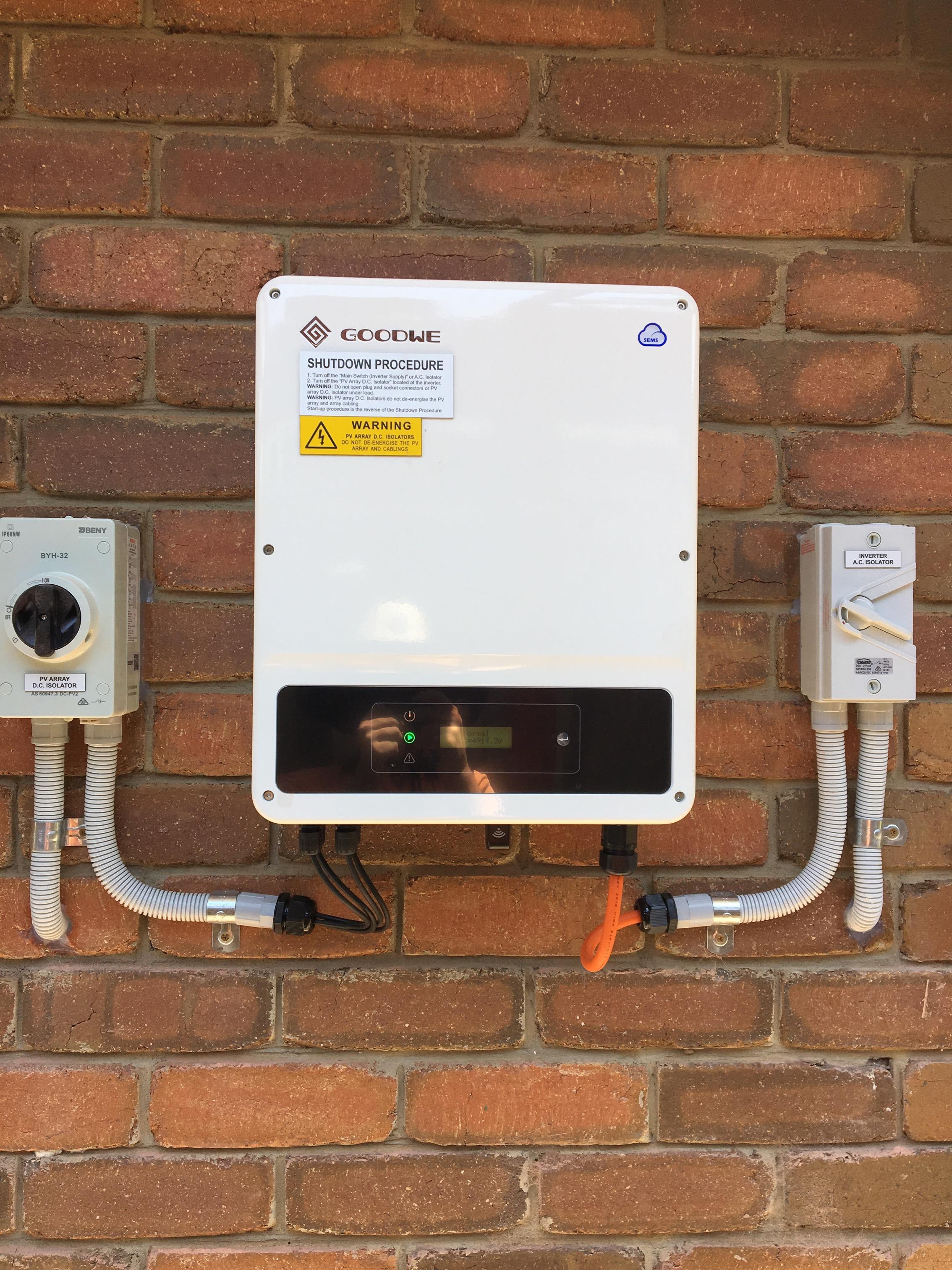
Often the electrical system can continue operating when home internet fails, while remote monitoring becomes unavailable. However, the exact behaviour depends on the equipment, configuration and any cloud-dependent features. Ask for the offline behaviour of your installed model to be demonstrated and documented instead of assuming that a blank app means the panels have stopped.
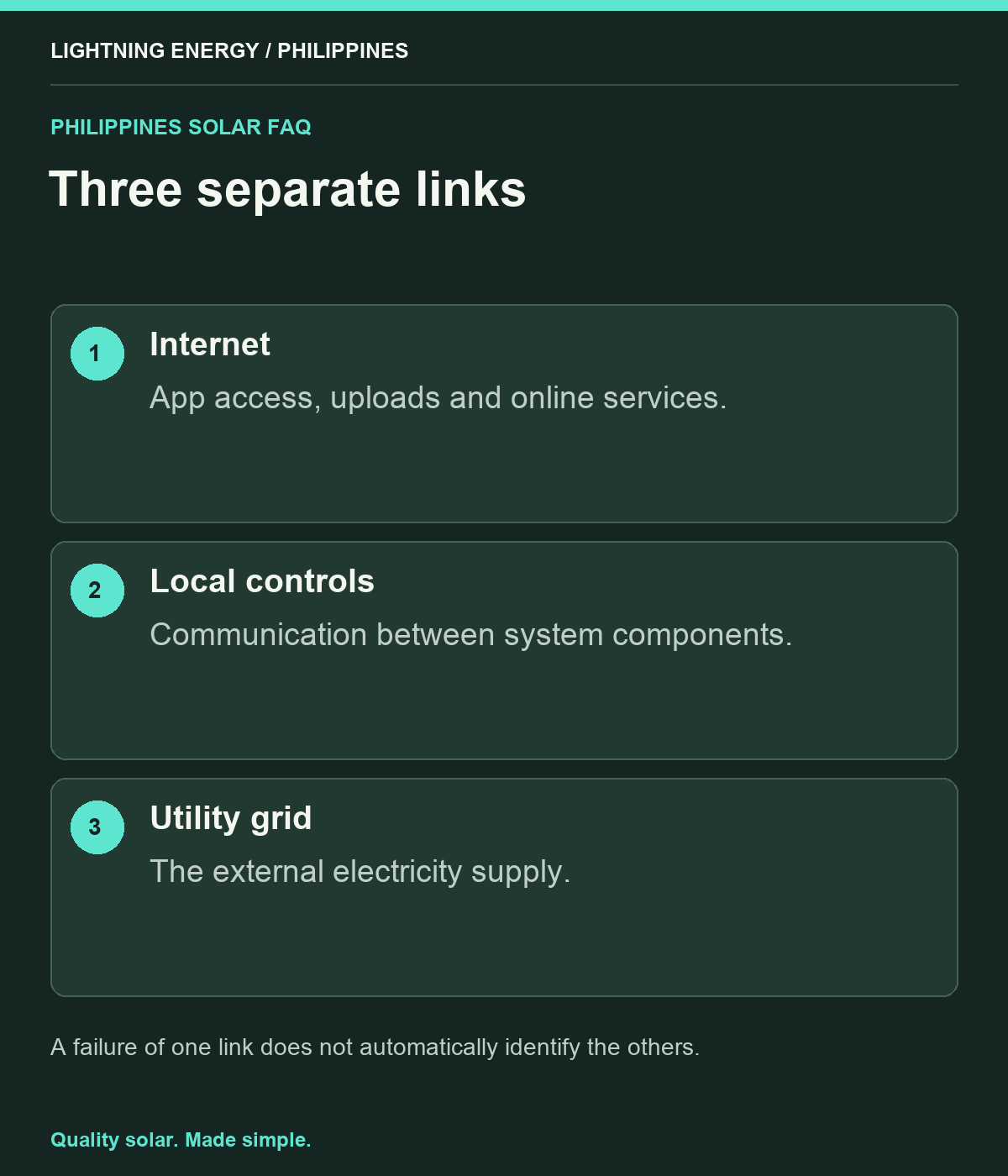
Separate three different connections
Your home internet connection, the system’s internal equipment communications and the utility grid are different things. A router outage does not necessarily mean the inverter has lost communication with its battery, and neither automatically means the grid is unavailable.
Write down which device connects to the internet and which links are needed for local control. Ask the installer to explain the status indicators you can safely observe. This simple map helps a household report the right problem instead of resetting several devices because one phone screen stopped updating.
Use manufacturer guidance for the exact product
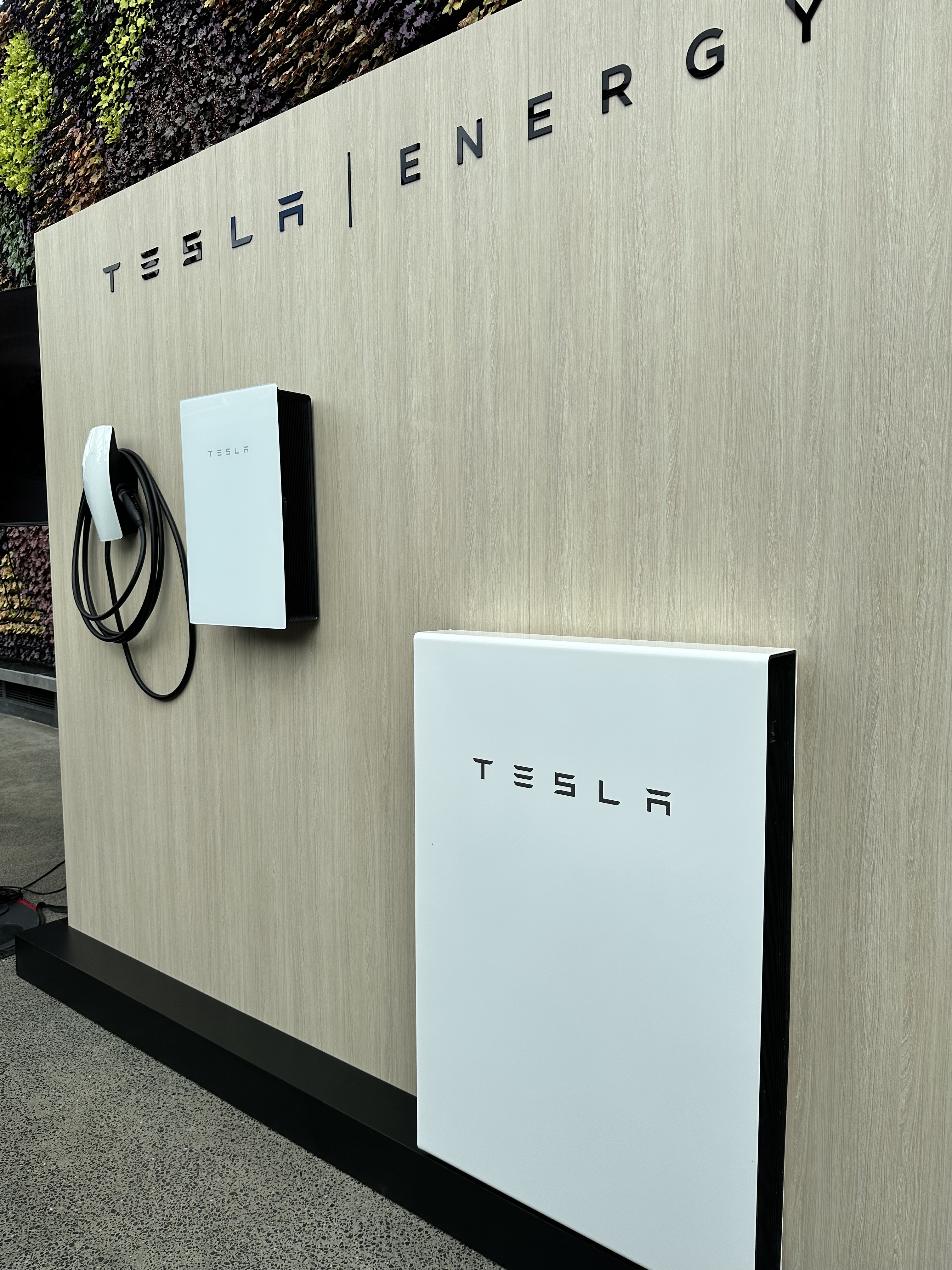
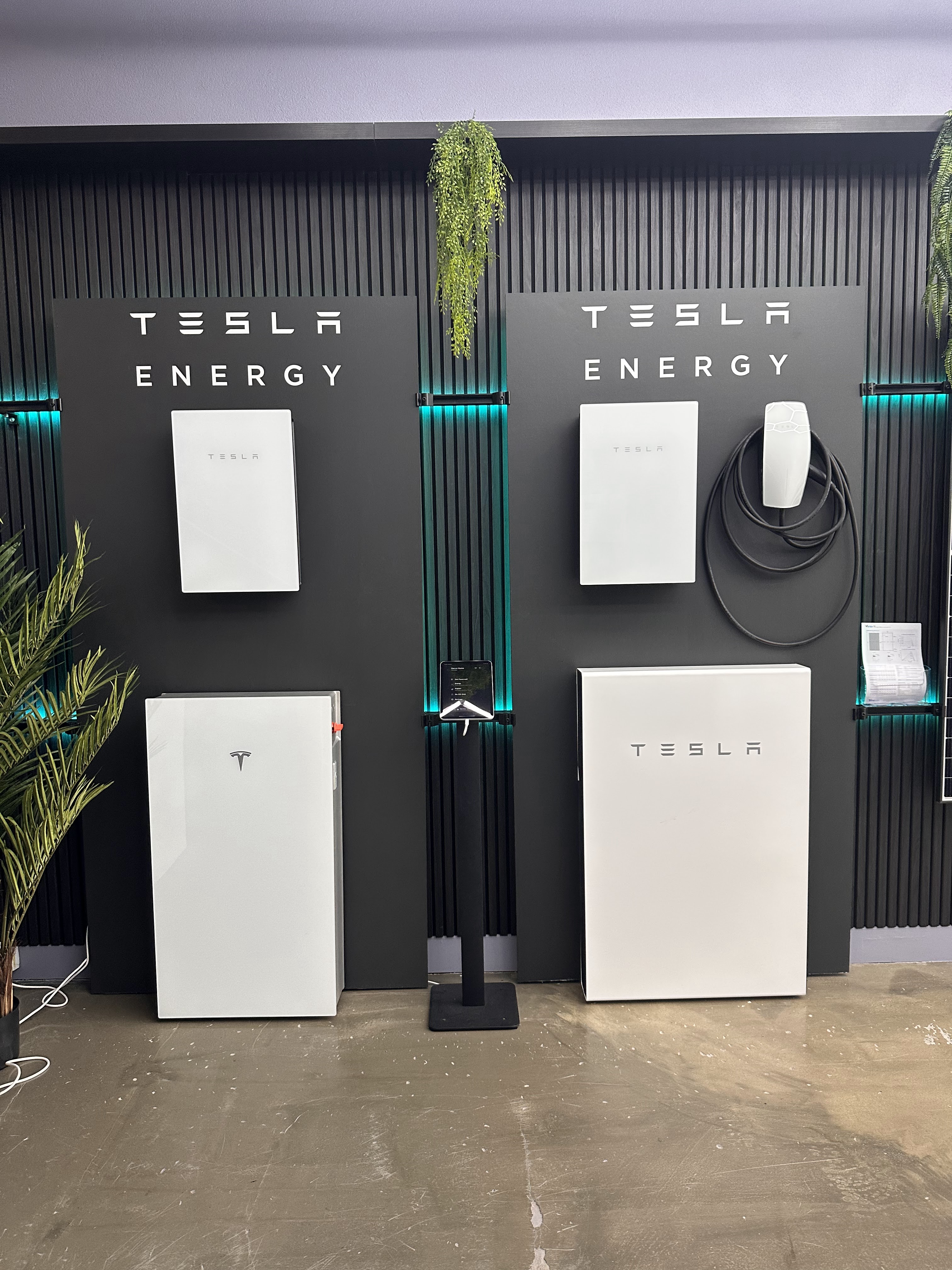
Tesla says Powerwall continues in its last operating mode without internet, while remote monitoring is unavailable. [1] This is a documented product example, not a guarantee for every battery sold in the Philippines or proof of local product availability.
Ask your supplier for the equivalent statement for the proposed model. Check whether schedules, remote alerts, firmware updates or warranty conditions depend on connectivity. Keep the relevant manual available offline. If someone says internet never matters, ask them to explain those features separately rather than treating basic operation and every online service as one capability.
Understand delayed monitoring data
FIMER describes a model-specific arrangement where overnight consumption data is uploaded after the inverter wakes the next day. [2] That example shows why delayed reporting does not always equal missing electrical operation. Your own system may behave differently.
Check the timestamp of the latest data and distinguish live values from historical totals. Do not assume the graph is current because the app opens successfully. Save the exact alert or status message when reporting an issue. If data later fills in, compare the recovered period before concluding that the equipment was generating zero energy throughout the connection problem.
Prepare a practical connectivity plan
Ask whether the installation supports a suitable wired connection, Wi-Fi or another approved option. Have signal strength and router location assessed before handover. Keep any gateway accessible for service while respecting equipment clearances and electrical safety.
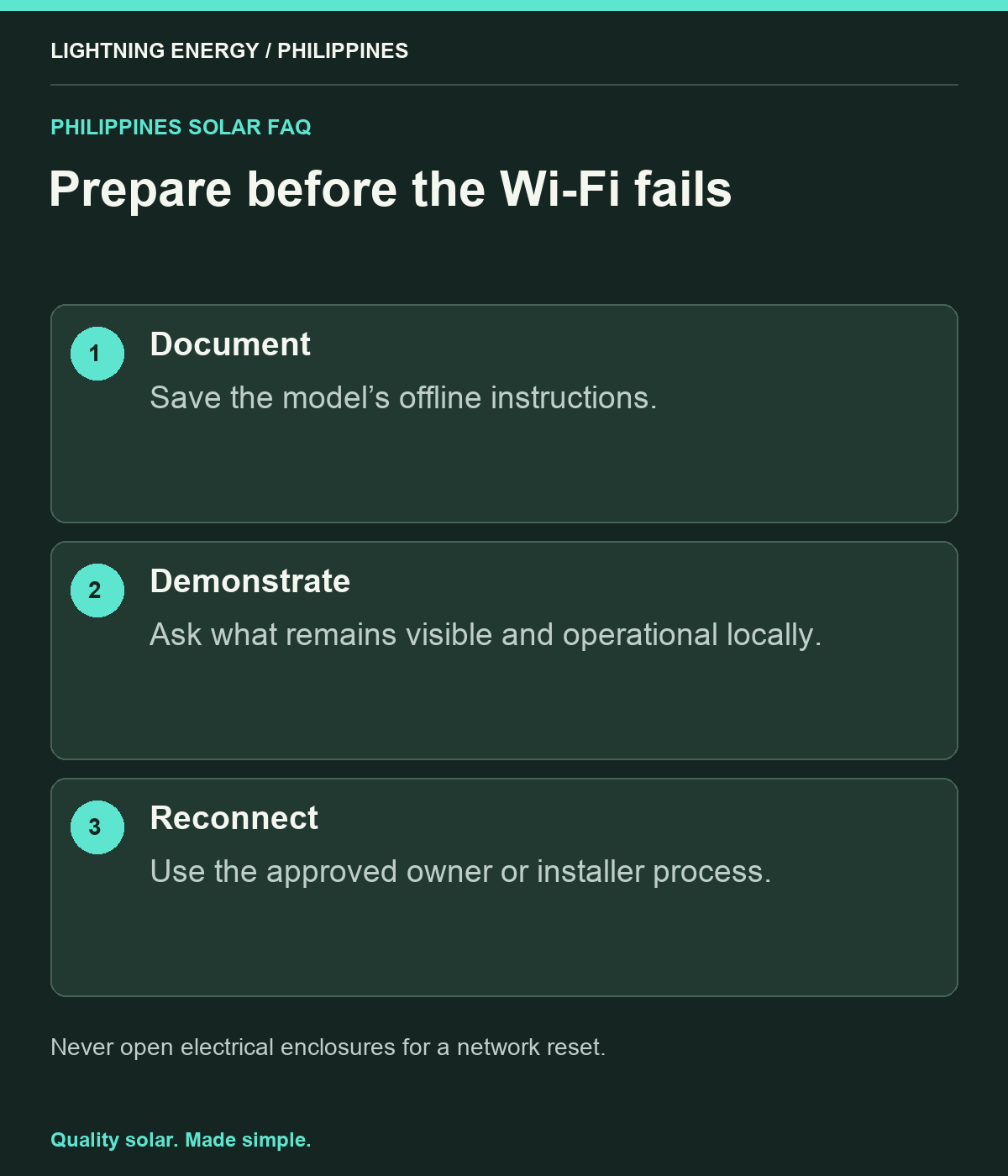
If you change internet providers, router names or passwords, ask how to reconnect the system using the owner-approved process. Do not open electrical enclosures to reach networking terminals. Record support details and who owns the monitoring account, so a routine router replacement does not become weeks of inaccessible solar data.
Test the right outage scenario
During commissioning, ask the installer to explain what happens if internet fails while the grid remains available, and what happens if both fail. These are different demonstrations. Any electrical outage test should be performed safely by qualified personnel with the household prepared.
For a home office, remember that powering the router does not guarantee the broadband provider’s network will remain available. Keep a separate communications contingency if connectivity is important. The solar battery can address selected electrical needs; it cannot promise that every external service will continue during a widespread interruption.
Keep an offline quick-reference sheet
Record safe status checks, approved reconnection steps, installer contact and emergency instructions. Store a paper copy where household members can find it. Avoid putting passwords on a publicly visible label; use your normal secure household method for managing credentials.
Lightning Energy Philippines can explain the difference between system operation and monitoring connectivity at handover. Ask for a model-specific answer and a demonstration of the information available locally. Knowing what continues, what pauses and who to contact makes a Wi-Fi problem far less confusing than discovering the distinction during the first brownout.
Sources & further reading
Sources used for this guide. Policy and product details should be checked for your particular installation.
- Tesla — Powerwall Internet ConnectivityAccessed 27 September 2026
- FIMER — What Is Consumption Monitoring?Accessed 27 September 2026