
Batteries & backup
May Solar, May Kuryente sa Brownout? What Actually Keeps the Lights On
Solar panels do not automatically keep your home powered during an outage. Learn what backup needs, which appliances to prioritise and what a handover should demonstrate.
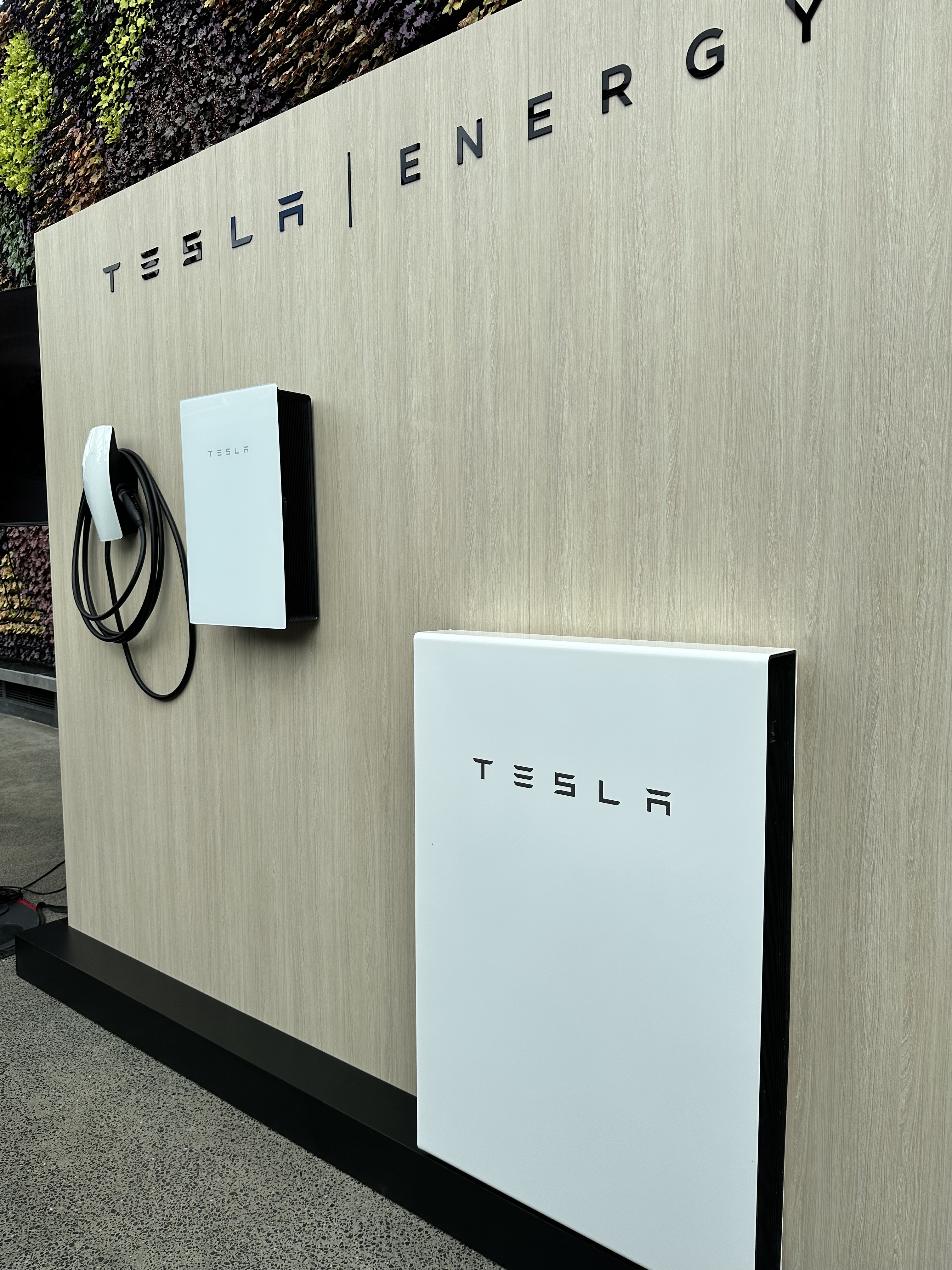
The sun is shining, your roof has panels, and the neighbourhood loses power. Will your home stay on? The answer depends on the installed design. A standard grid-tied solar system normally stops supplying power during a grid outage. Backup needs equipment and wiring specifically designed for that job.
If brownouts are a reason you are considering solar, make that priority explicit from the first conversation. 'Solar installed' and 'these circuits stay powered during an outage' are two different promises. Here is how to ask for the second one clearly.
Why ordinary solar switches off
A typical grid-connected inverter shuts down when it detects loss of the grid. This protection helps prevent electricity being fed into lines that may be under repair. The Australian Government's technical guide describes this as anti-islanding. It also notes that specialised solar-only backup products exist, so exact capabilities must be checked. [1]
For a homeowner, the practical message is simple: do not infer backup from the presence of panels, a large inverter or a monitoring app. Ask the supplier to describe what the proposed equipment actually does when grid power disappears, including whether any sockets or circuits remain usable.
Define a safe island inside the property
A backup-capable system must separate the supported installation from the failed grid and maintain a suitable local supply. The US Department of Energy explains that solar resilience depends on the right inverter configuration and storage, rather than panels alone. [2] These international sources explain engineering principles; Philippine installation requirements still apply.
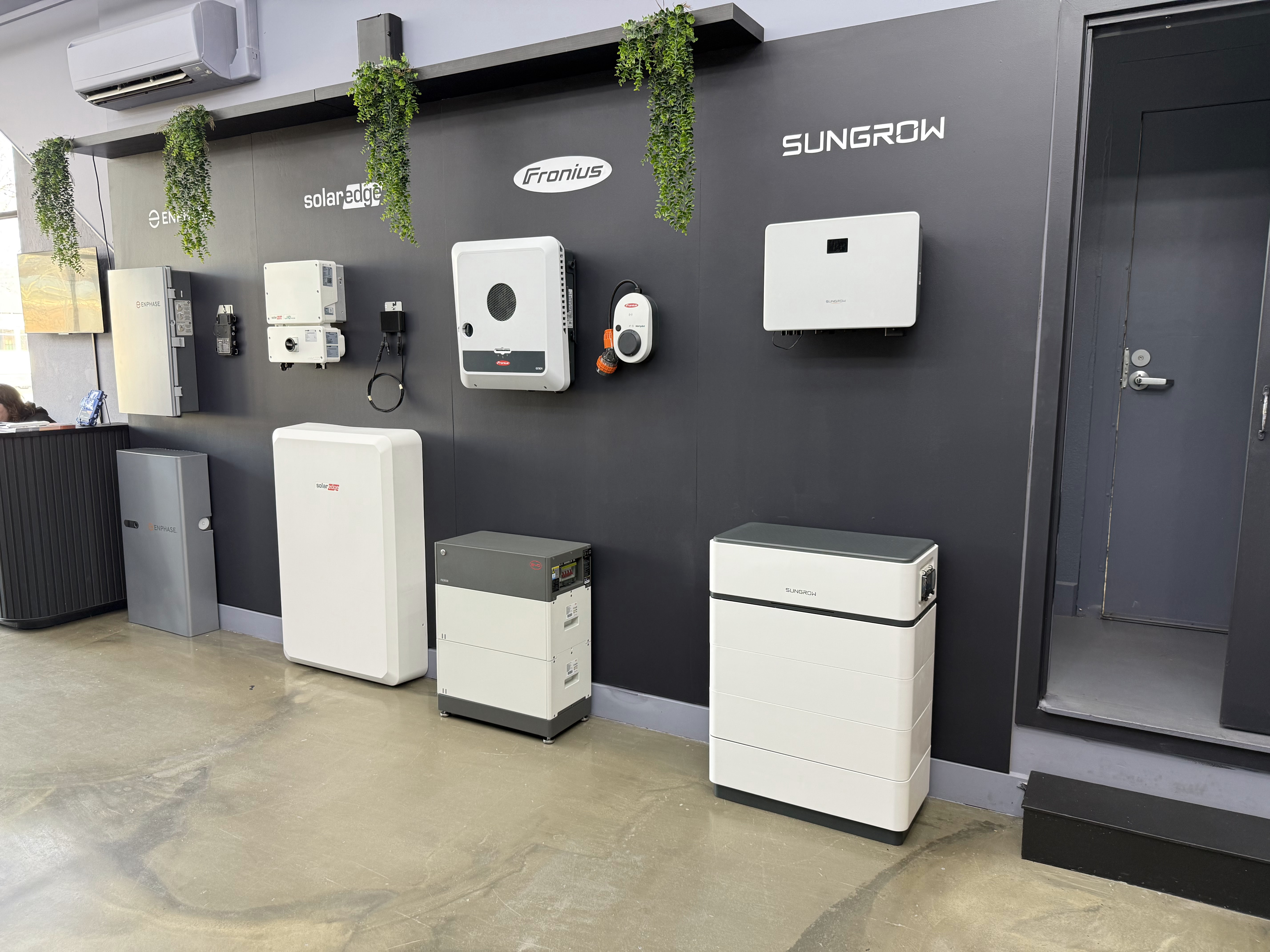
Ask the designer for a plain-language operating diagram. It should show the grid connection, the backup supply and the circuits that will remain powered. You do not need to interpret a full electrical drawing yourself, but you should be able to point to the fridge, lights and chosen outlets and know which ones are included.
Make an essential-load list before choosing a battery
Start with what your family actually needs during an interruption: lighting in occupied rooms, a refrigerator, communications equipment and perhaps selected fans. An aircon, water heater, cooker or pump can change the required power and energy substantially, so identify those requests individually.
Create two columns: essential and optional. Then give each item a desired operating period. 'One fan and the refrigerator overnight' is a design brief. 'Whole house backup' is incomplete until someone has checked the connected loads and likely combinations. If important medical equipment is involved, arrange its continuity needs with its provider and the electrical designer.
Check both the power ceiling and the energy budget
Power, expressed in kW, tells you how much the backup system can support at one time. Energy, expressed in kWh, influences how long it can support the load. A battery can have plenty of remaining charge yet still be unable to start a large appliance or handle several appliances together.
Ask about continuous output, starting loads, usable capacity and reserve settings. Have the designer check simultaneous operation, not just each appliance alone. A practical household rule might be to postpone high-power tasks during an outage, but the actual restrictions should come from the installed system and be explained at handover.
Ask what happens after the first night
An outage can begin with the battery full, partly charged or already near its reserve. Cloud cover can limit the next day's recharge. Some solar-and-battery arrangements can recharge from the panels while isolated; others cannot do so in the same way. Confirm that capability for the exact design. [1]
Request at least two scenarios: an evening outage after a normal day and a longer interruption during poor weather. Ask what happens when stored energy reaches its minimum and what is needed for the system to restart. A sunny-day demonstration alone does not answer those questions.
Understand the changeover experience
Ask how quickly the selected system transfers to backup and whether sensitive equipment may reboot. Do not assume a household battery is an uninterrupted power supply for every device. A computer or communications setup may need additional provision if even a brief interruption is unacceptable.
Also clarify what returns automatically when grid service resumes, what the app displays during backup and whether operation depends on an internet connection. Losing internet access and losing local electrical supply are separate problems. Your family should understand the indicators that matter even if the monitoring app is temporarily unreachable.
Make the handover a practical rehearsal
Ask the installer to demonstrate the agreed backup function safely under controlled conditions. Walk through the supported circuits, check the appliance restrictions and record the reserve setting. Keep the written shutdown and restart guidance with the service contacts, and leave electrical switching procedures to the instructions for your actual installation.
Tell Lightning Energy Philippines which daily comforts matter most when the grid goes down. A useful backup proposal should explain the supported loads, its limits and the assumptions behind estimated runtime. That is how 'may kuryente sa brownout' becomes a specific design you can understand and verify.
Sources & further reading
Sources used for this guide. Policy and product details should be checked for your particular installation.
- Australian Government — Solar Consumer Guide: BatteriesAccessed 20 September 2026
- US Department of Energy — Solar and Resilience BasicsAccessed 20 September 2026