Solar FAQs
Do I Still Need a UPS for My Computer if I Have a Solar Battery?
A home battery and a UPS can serve different continuity needs. Check transfer behaviour, circuit coverage and the equipment’s tolerance.

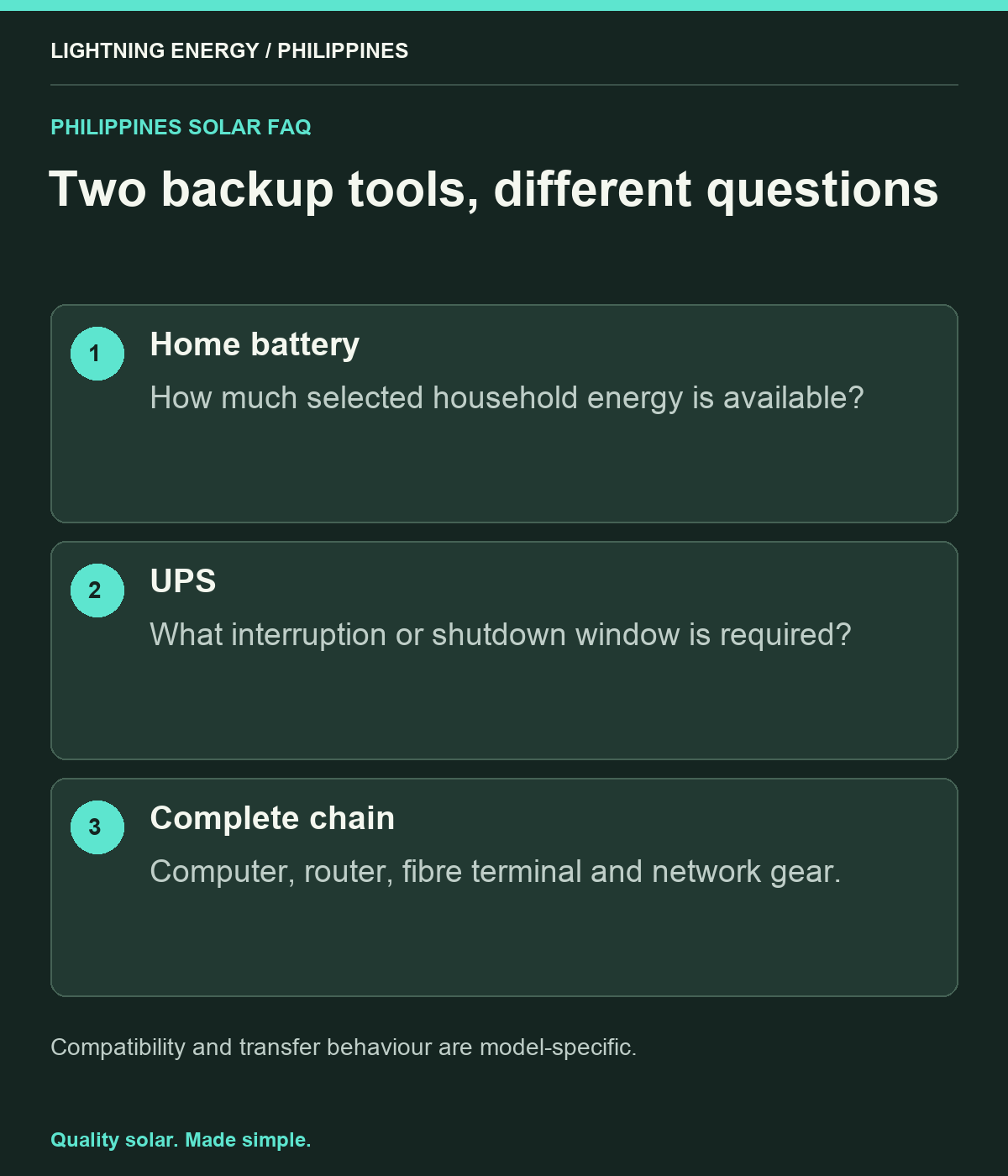
Possibly. A home battery can provide substantial backup energy, while a suitable UPS may address a computer’s short interruption tolerance or provide a separate shutdown window. Whether you need both depends on the installed battery system, backed-up outlet and computer equipment. Do not assume that the word seamless guarantees every device will ride through every transition.
Define what must stay running
List the computer, monitor, router, fibre terminal and any network switches needed for work. Include external drives or other equipment whose abrupt shutdown matters. A laptop with its own healthy battery has a different continuity requirement from a desktop computer.
Ask what interruption each device can tolerate and whether it needs an orderly shutdown. Separate keeping equipment powered from keeping an internet service available. Even with the home network supplied, an upstream provider outage may interrupt connectivity. A complete work-from-home plan should account for both electrical continuity and communications.
Check transfer time for the exact equipment
Schneider Electric publishes different transfer times for specific Back-UPS product lines. [1] This illustrates that UPS behaviour is model-specific; the label UPS is not a guarantee of identical performance across products.
Ask the home-battery supplier for its transfer specification and supported operating conditions too. Compare those with the requirements of the computer and power supplies. If continuity is critical, have the proposed combination assessed and tested appropriately. Avoid choosing solely from a marketing claim that omits the mode, load or conditions under which the figure applies.
Verify the outlet is actually backed up
Tesla’s system guidance distinguishes whole-home from selected-load backup. [2] Apply that distinction to your installation: the office socket, router location and fibre terminal may not all be on the same supported circuits.
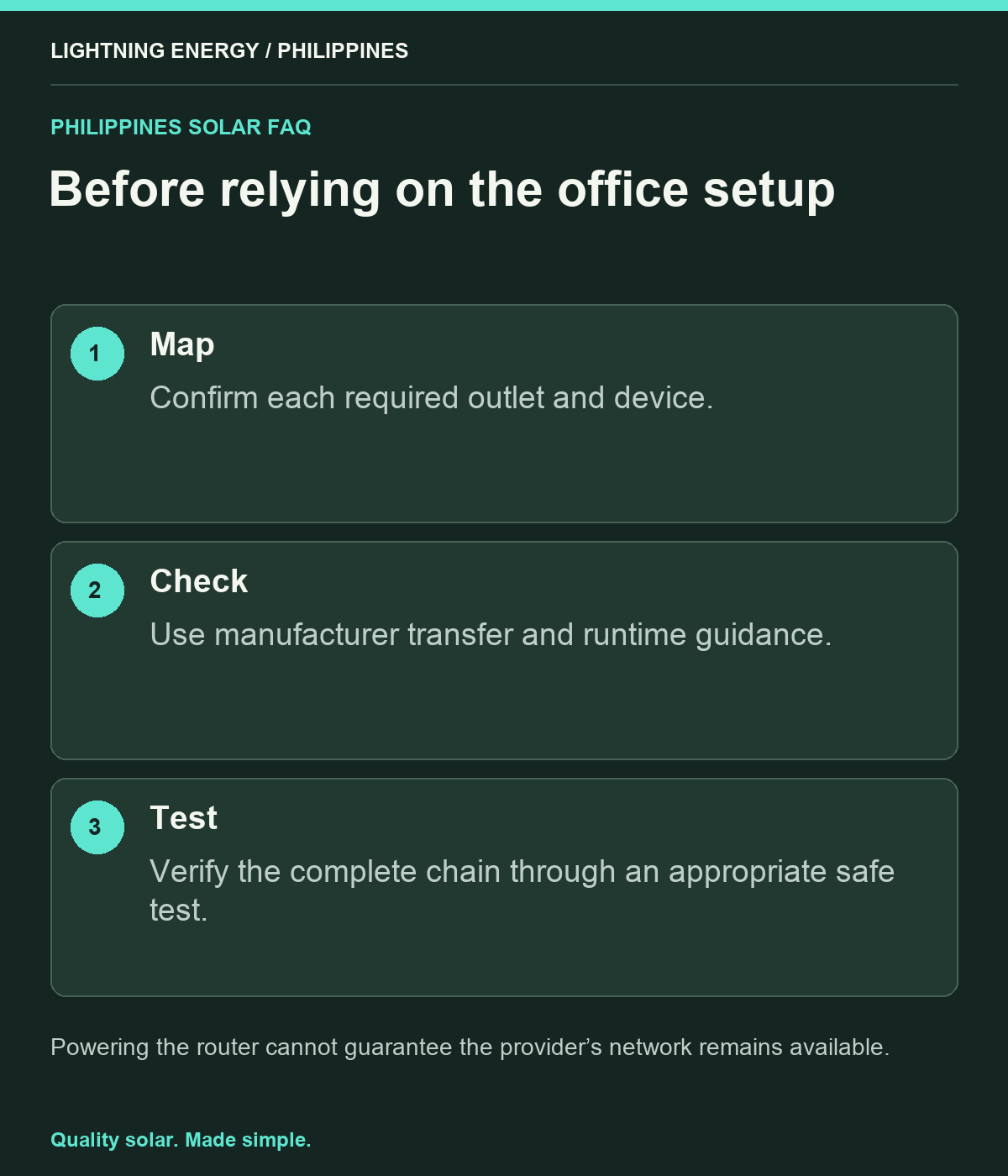
Request a circuit schedule and safe demonstration. Label the intended outlets clearly so equipment is not later moved to an unsupported socket. Do not use improvised extension arrangements to work around a design omission. If the office needs another backed-up circuit, have qualified personnel assess and install it properly.
Understand what a small UPS contributes
A UPS may provide time for orderly shutdown, bridge an interruption or isolate a particular continuity need. Its useful duration depends on the actual load and battery condition. Ask for manufacturer-supported runtime information for the selected model and load.
For an illustrative workflow, a desktop user may want several minutes to save work if the broader backup system stops. That is a different requirement from operating the office for an entire day. Write the objective before choosing capacity, and avoid assuming that a small UPS can replace a properly sized household backup system.
Check compatibility and maintenance
Ask the UPS and battery-system providers whether the intended combination is supported, including waveform and operating-mode considerations. Do not assume compatibility simply because both devices supply AC power. Have qualified personnel investigate repeated switching, alarms or unexpected shutdowns.
Include the UPS in your maintenance plan. Its own battery can age, and an untested unit may fail when needed. Record the model, purchase date and approved test procedure. Avoid chaining unsuitable power strips or exceeding outlet and device limits while trying to protect every accessory on the desk.
Test the work setup as a complete chain
Arrange an appropriate commissioning test with work saved and the household prepared. Check the computer, network equipment and alerts together. Record what remained running and what restarted, then address any gap before relying on the arrangement for important work.
Lightning Energy Philippines can help define the backed-up office circuits and explain the home battery’s transition behaviour. For the UPS itself, use the equipment supplier’s compatibility and runtime guidance. A clear plan combines the right tools for the actual continuity need, with no assumption that either a large battery or a small UPS automatically solves every interruption.
Sources & further reading
Sources used for this guide. Policy and product details should be checked for your particular installation.
- Schneider Electric — Back-UPS Transfer TimeAccessed 27 September 2026
- Tesla — What Can Powerwall Back UpAccessed 27 September 2026