Care & performance
Who Owns Your Solar Dashboard? A Digital Handover Guide
Account access, monitoring records and update responsibilities deserve a place in the solar handover.
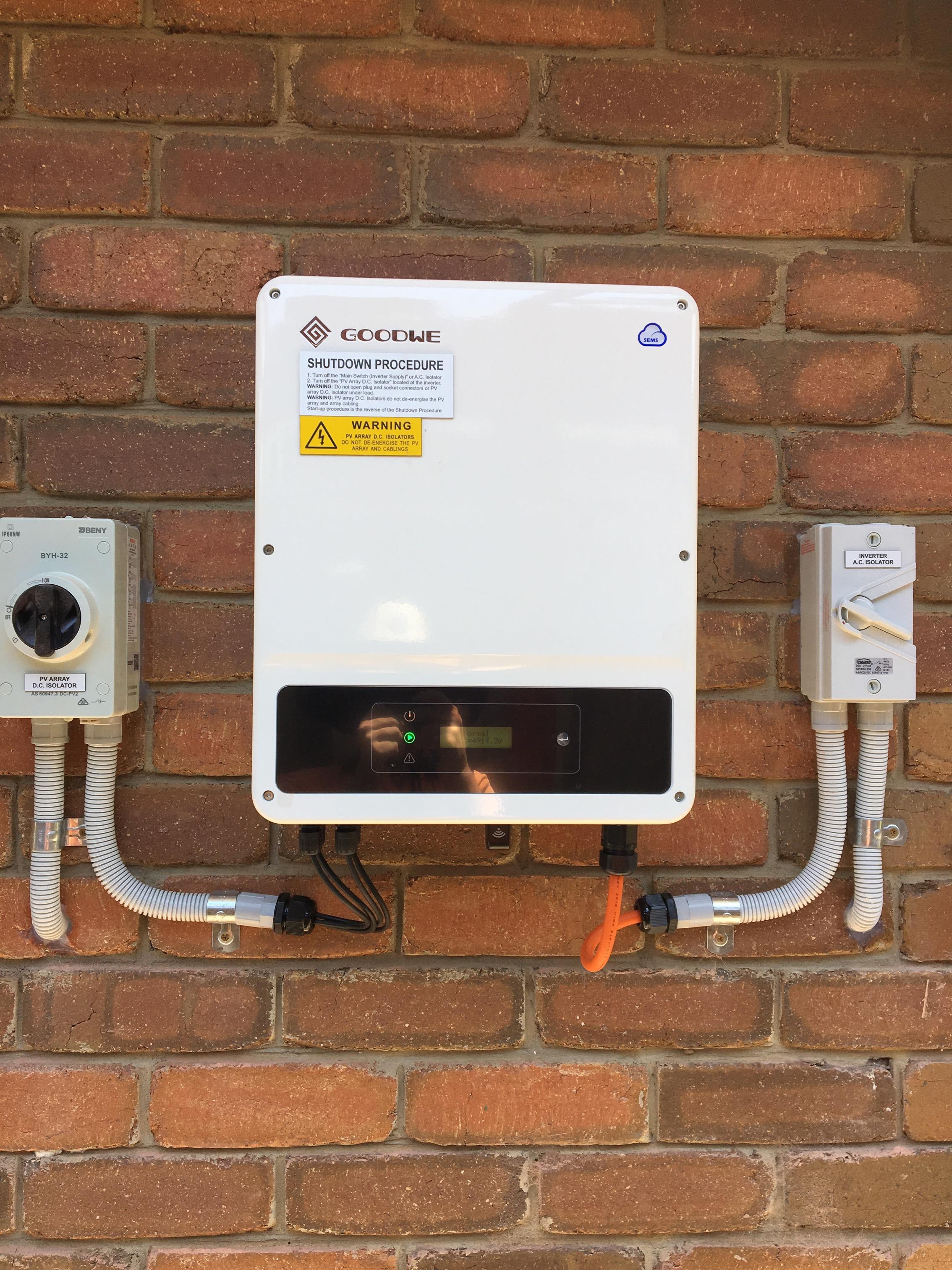
A solar installation includes more than visible equipment. The owner may also receive an app, a monitoring account and a relationship with a service provider that can view or manage parts of the system remotely.
Those digital arrangements deserve the same clarity as the physical handover. For a Philippine household or business, a useful outcome is knowing who has access, what that access permits and how the arrangement changes when staff, suppliers or property ownership change.
Treat connectivity as an operating feature
The US Department of Energy identifies internet-connected inverters and control devices as part of solar cybersecurity risk management. [1] That does not mean a connected system should be avoided. It means the connection has responsibilities attached to it. Ask the installer to explain which functions depend on communications, what information is collected and what happens when the connection is unavailable. Keep the explanation specific to the offered equipment rather than relying on a generic reassurance that an app is secure.
Put the owner’s account under owner control
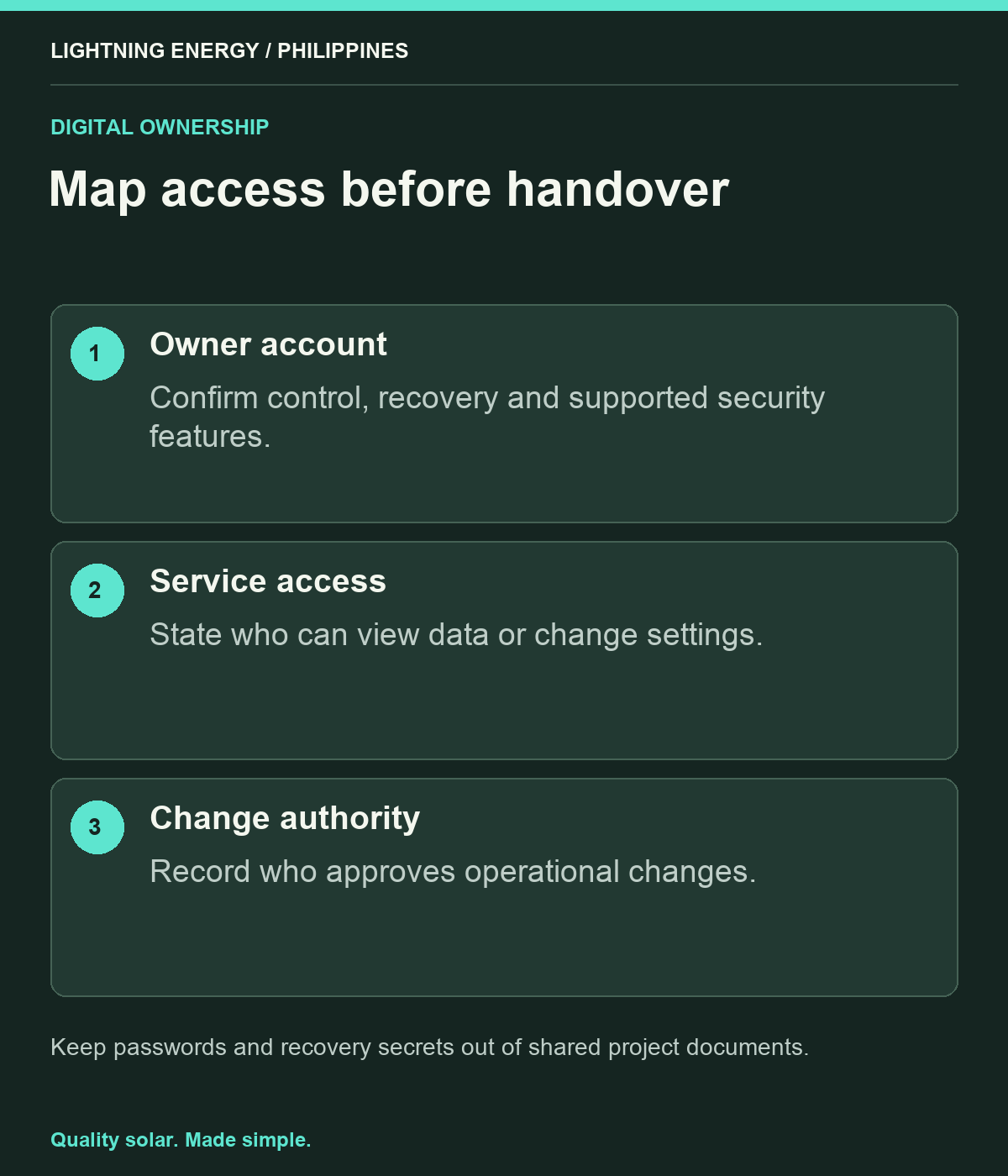
At handover, confirm which account belongs to the owner and which access remains with the installer or service provider. Use the product’s supported account and security features, with the appropriate help from the provider. Avoid depending on a single employee’s personal email for a business asset. The owner should understand the recovery route if the usual account holder leaves or loses access. Do not include passwords or recovery secrets in publicly shared project records or a general equipment handover document.
Distinguish viewing from changing
Ask what each account role can see and what it can alter. Monitoring access, administrative control and technical configuration should not be treated as interchangeable. Agree who may authorise a change that affects operation and how the action will be recorded. For an illustrative business with several branches, a manager may need to view performance without being responsible for technical settings. A clear role map helps the company give people the access needed for their work without making every user an administrator.
Name the update responsibility
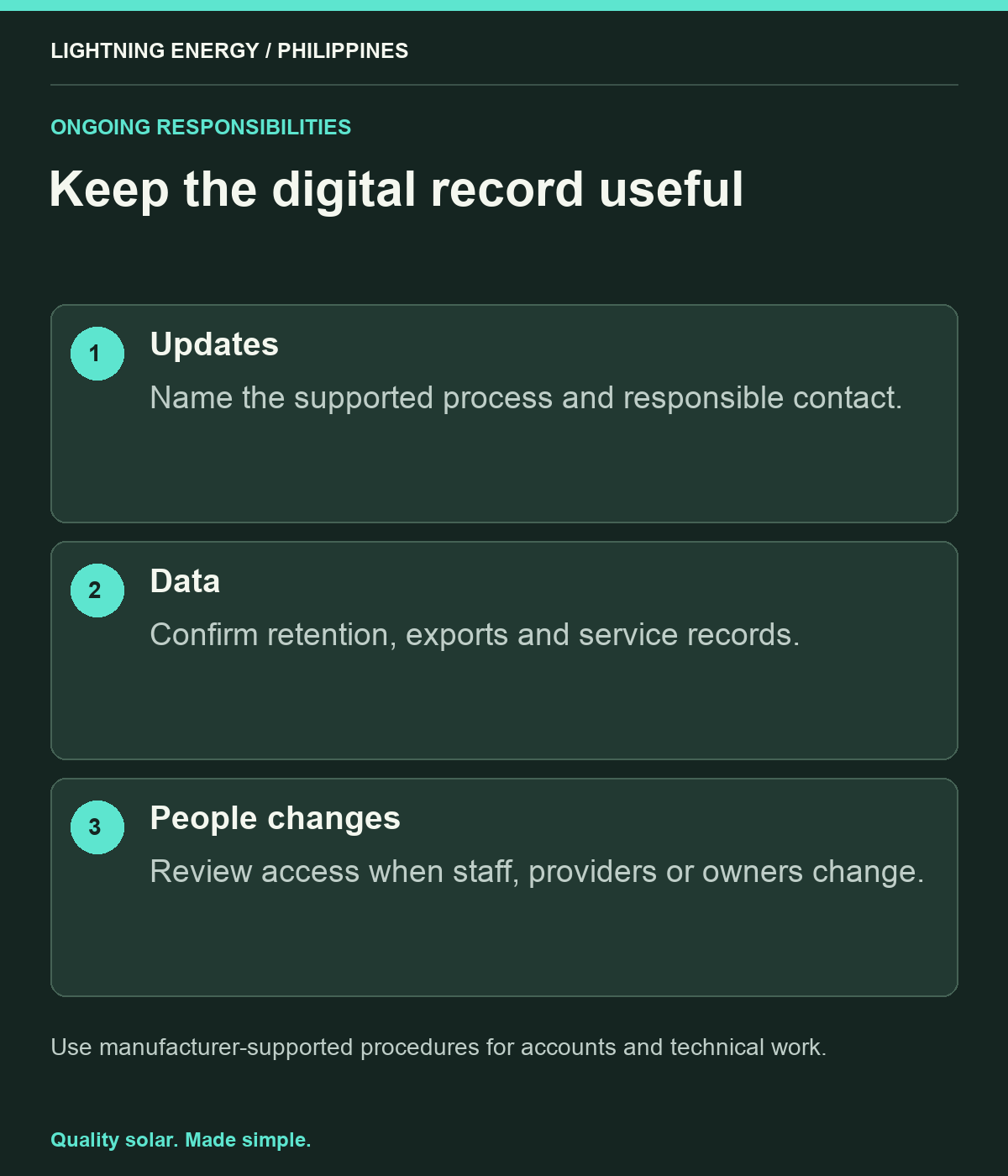
DOE’s solar cybersecurity programme emphasises ongoing awareness and risk management across owners and operators. [2] Ask who monitors the manufacturer’s notices, who evaluates applicable updates and how authorised work is scheduled. This is not an invitation to install unofficial software or alter electrical settings. The owner needs a supported process with accountable people. Record how important notices reach the right contact and how completed updates or service changes are documented, especially where responsibility is shared between a manufacturer platform and a local provider.
Keep useful data available
Clarify what historical information the owner can access, how long it is retained and whether a supported export is available. Agree which records are needed for ordinary performance review or service investigation. If the platform changes, ask what transition arrangements the provider offers. A dashboard screenshot may be convenient, but it should not be the only record of a significant service event. Keep the equipment identity, dates and relevant support correspondence together so future reviewers can understand what happened.
Revisit access when people change
Include the solar platform in the business’s ordinary staff and contractor handover process. Review access when a manager changes, an installer relationship ends or the property is transferred. Ask the provider to use its supported transfer or revocation process and retain confirmation. A household can apply the same principle when moving or changing its service arrangement. This small administrative step helps prevent an otherwise well-documented system from becoming dependent on an account controlled by someone no longer responsible for it.
Ask for a digital handover page
A practical handover page can list the platform, owner contact, account roles, recovery route, service contact, update responsibility and available data records, without exposing secrets. Lightning Energy Philippines can explain the digital arrangements included in a proposed system and identify any platform-specific questions for the manufacturer. Solar monitoring is most useful when it remains understandable and accessible throughout ownership. Treating digital responsibilities as part of the project makes that outcome easier to maintain after the installation team has finished.
Sources & further reading
Sources used for this guide. Policy and product details should be checked for your particular installation.
- US Department of Energy: Solar Cybersecurity BasicsAccessed 27 September 2026
- US Department of Energy: Solar CybersecurityAccessed 27 September 2026